Using Block Explorers with Hardhat
by Dennis StritzkeWhen learning new skills and concepts it is a good approach to build on existing knowledge. In the case of learning smart contract development using Solidity, my existing knowledge is
- Mining Ethereum and doing ETH transfers
- using Metamask to interact with dApps like Uniswap and websites like Ethermine
- using the Block Explorers Etherscan.io and etherchain.org to see what’s going on
I want to build on these previous experiences. Fortunately, the Ethereum documentation links to a tutorial to build a web app based on a smart contract. That’s perfect for me as I have experience building web apps and know how to interact with dApps using Metamask. This tutorial was great for me to get my first dApp up and running using Hardhat. The only thing missing: a block explorer!
A block explorer would enable me to see these new concepts through the lens of what I already know through sites like Etherscan. In addition, I would be able to compare transactions I have done on the Mainnet with those local (contract) transactions. Let us explore what we can do about that.
Ethernal?
Ethernal does a great job of introducing itself:
Etherscan for your private blockchain Ethernal is a block explorer for private EVM-based chains. See blocks and transactions. Interact with your contracts. Decode functions, events, and variables data.
Keep in mind that Ethernal is in public beta. Nevertheless, they keep what they promised and provide two ways of integration:
- the
ethernal loginandethernal listencommands to sync a local EVM chain to the SaaS and - a Hardhat plugin for Ethernal
The documentation of the Hardhat plugin for syncing the hardhat node and artefact upload is on point and just works on first try. I wont repeat those steps. Just sign up to Ethernal and follow the documented steps.
Remember to reset your Ethernal workspace when restarting your hardhat node.
The solution is easy to set up, provides a visual look into my local Hardhat chain and is free. Though they say the pricing will probably change in the near future because they are in a public beta right now.
I am missing a local version of Ethernal, which doesn’t require an internet connection. While this isn’t really an issue, it feels wrong to sync my local development chain to a SaaS.
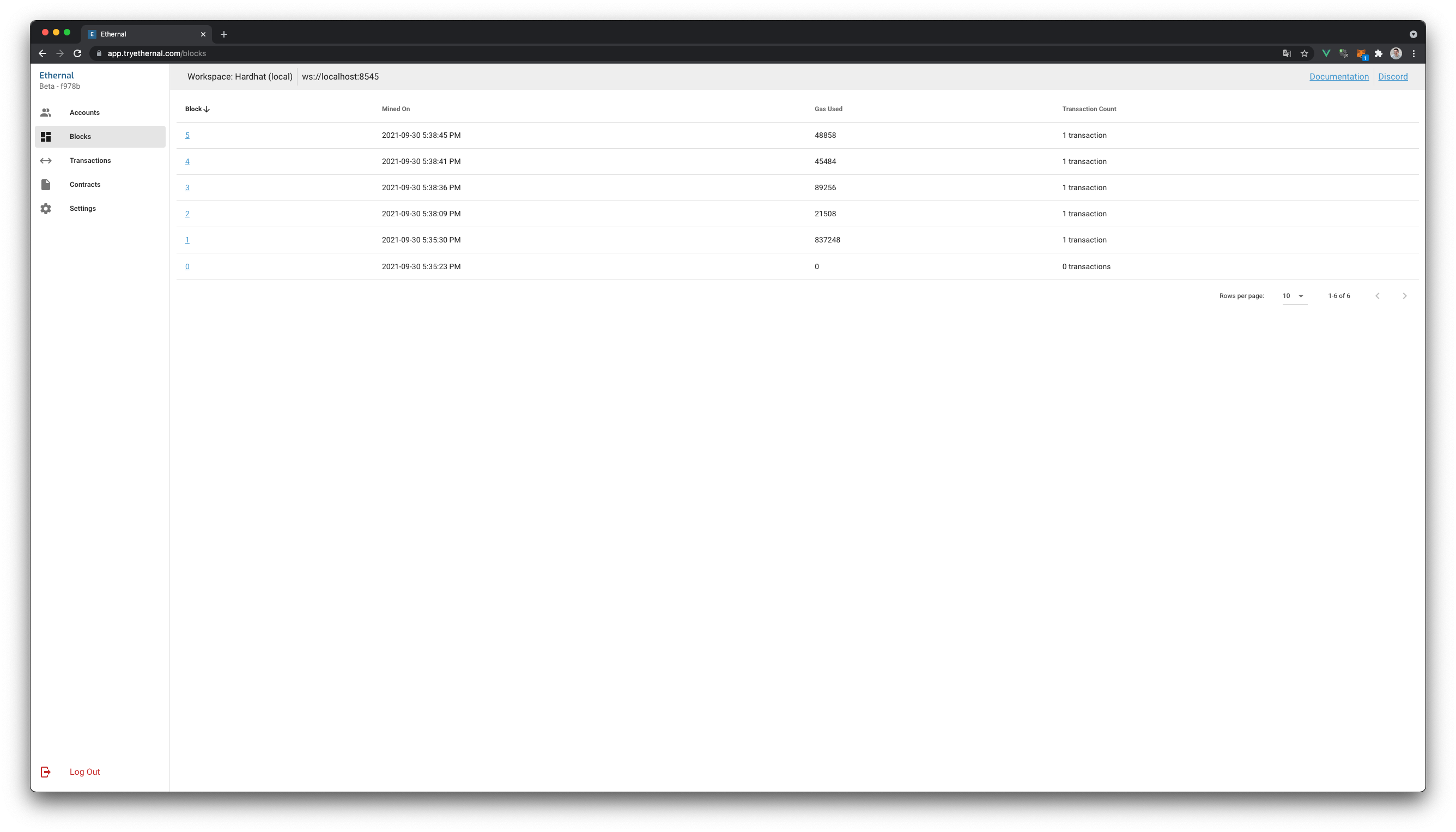
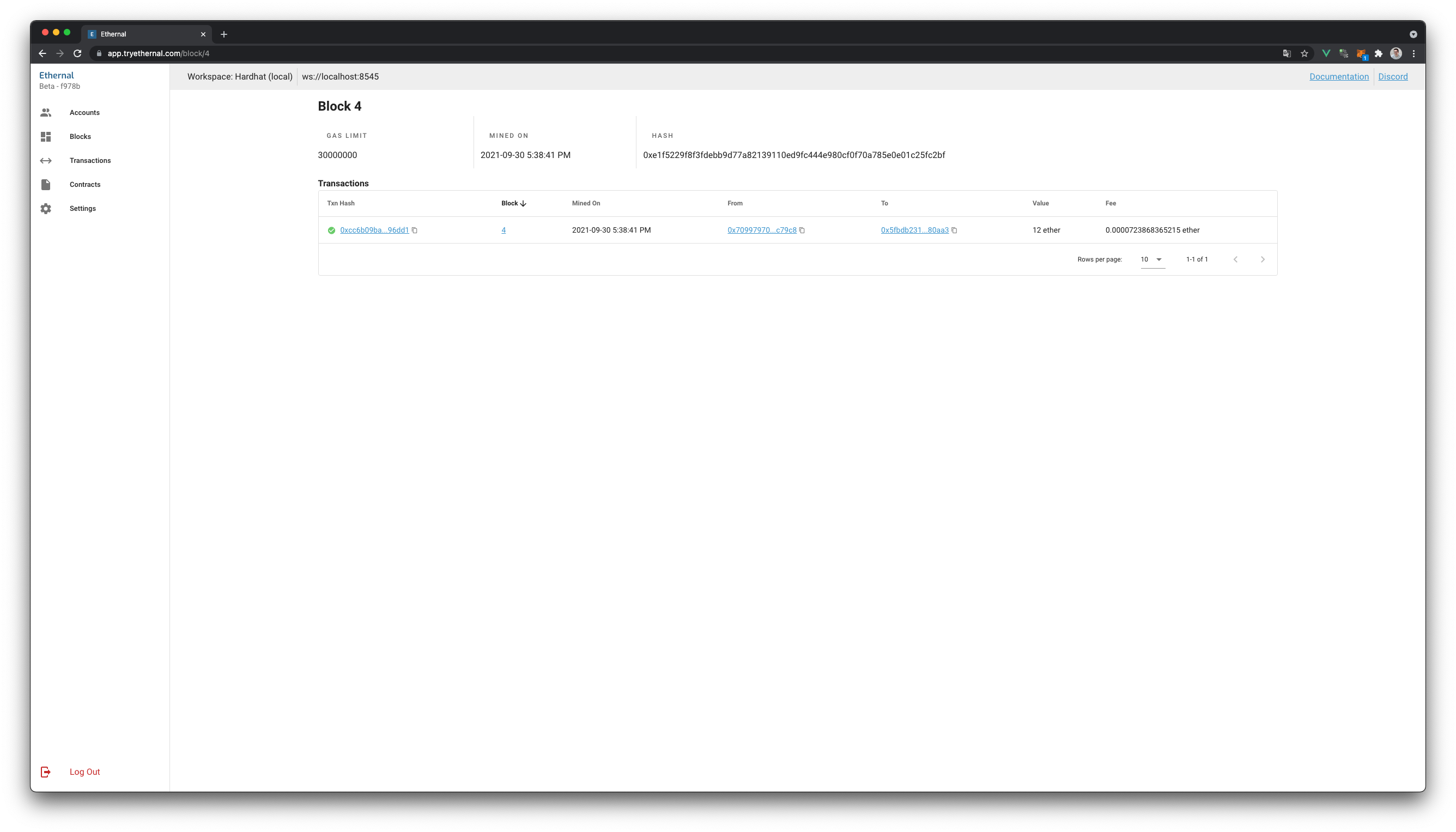
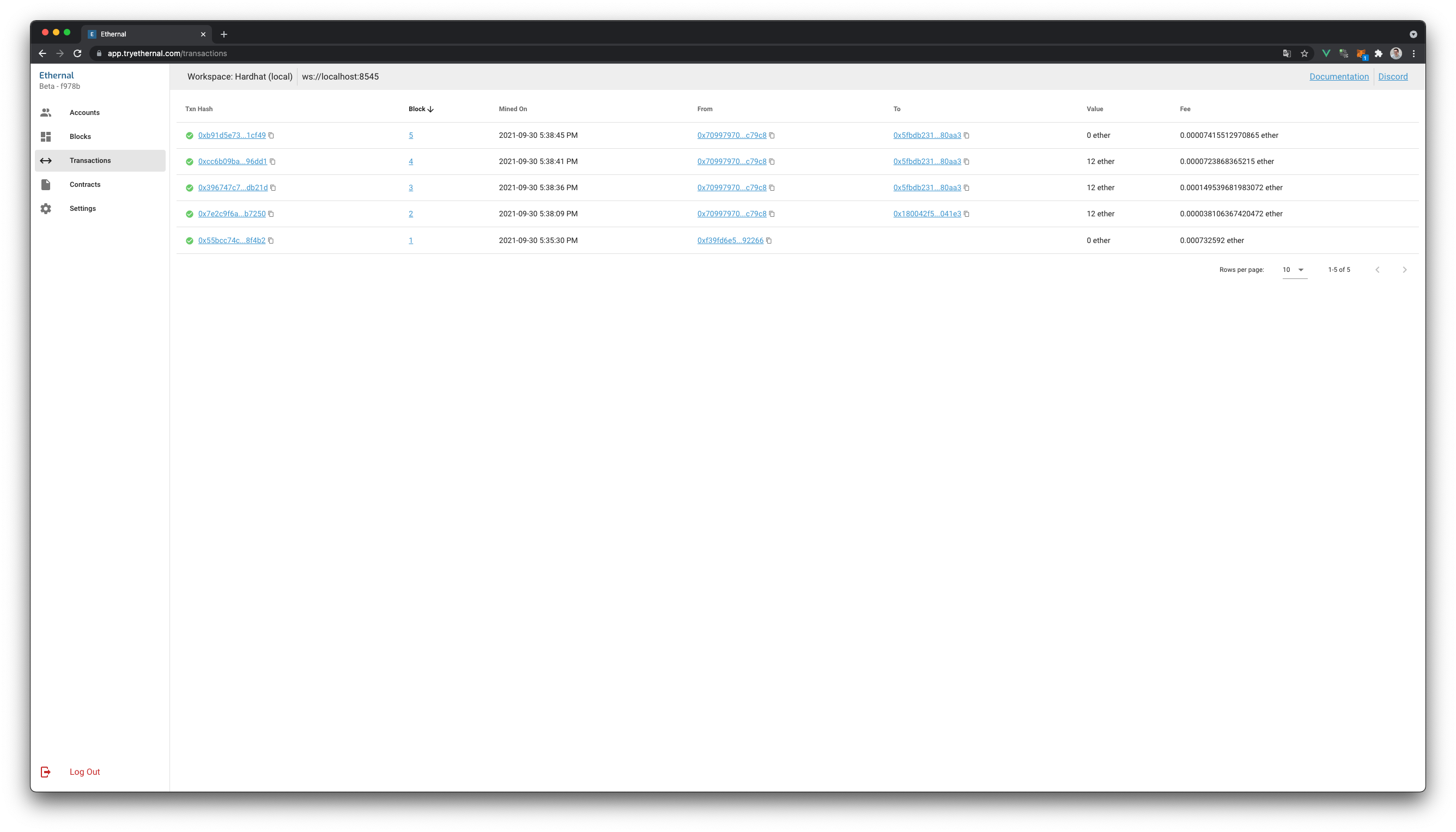
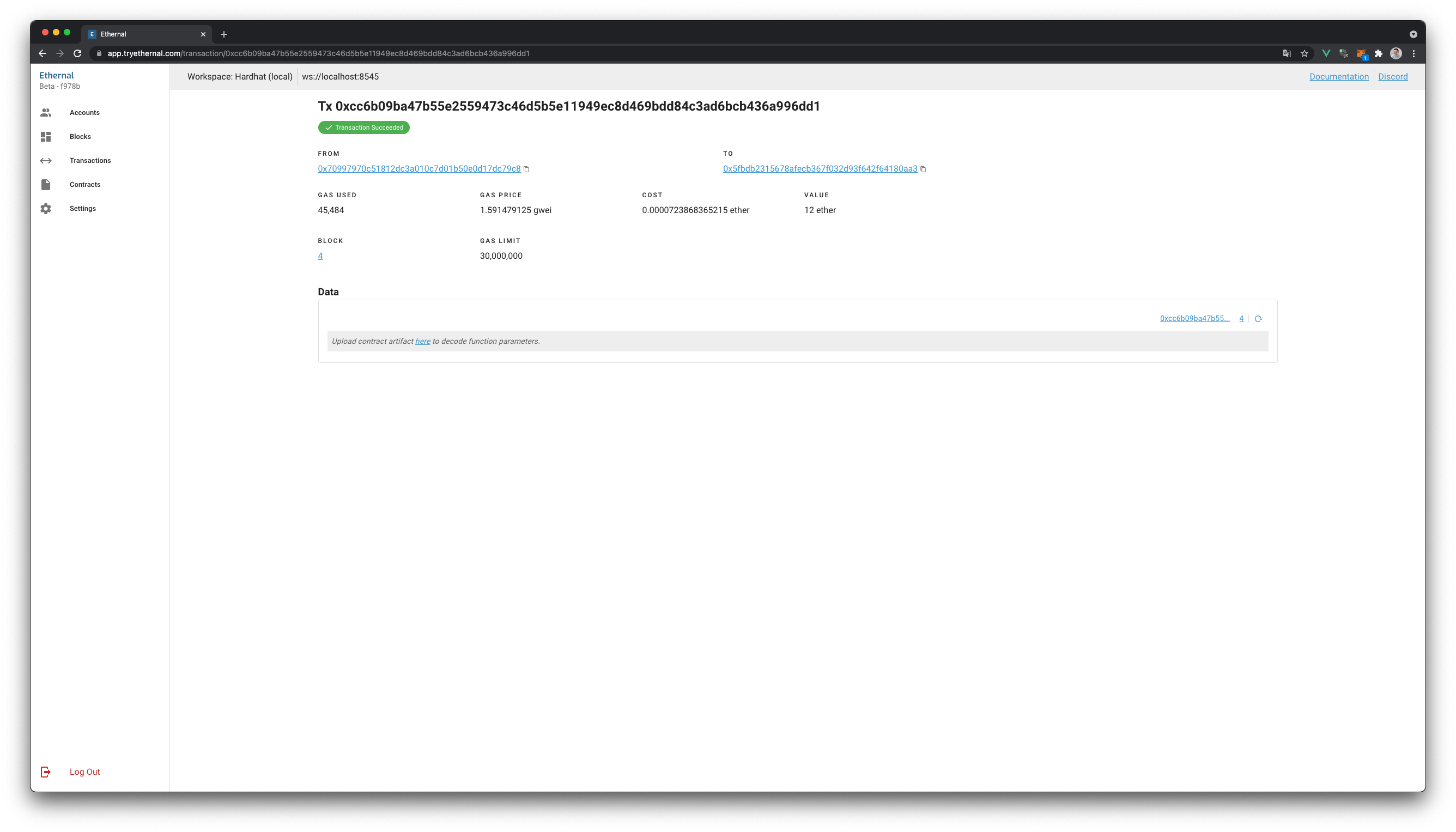
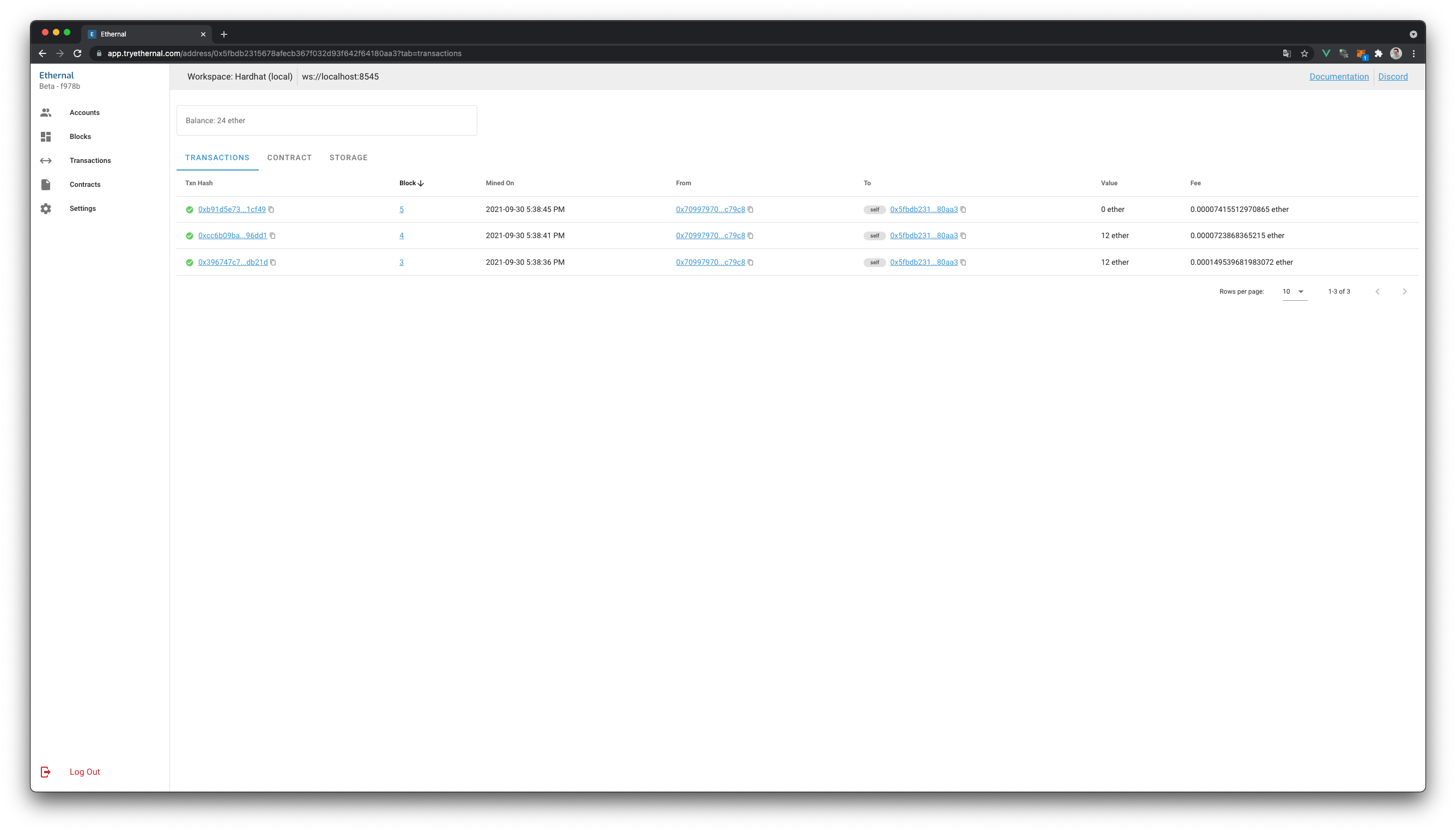
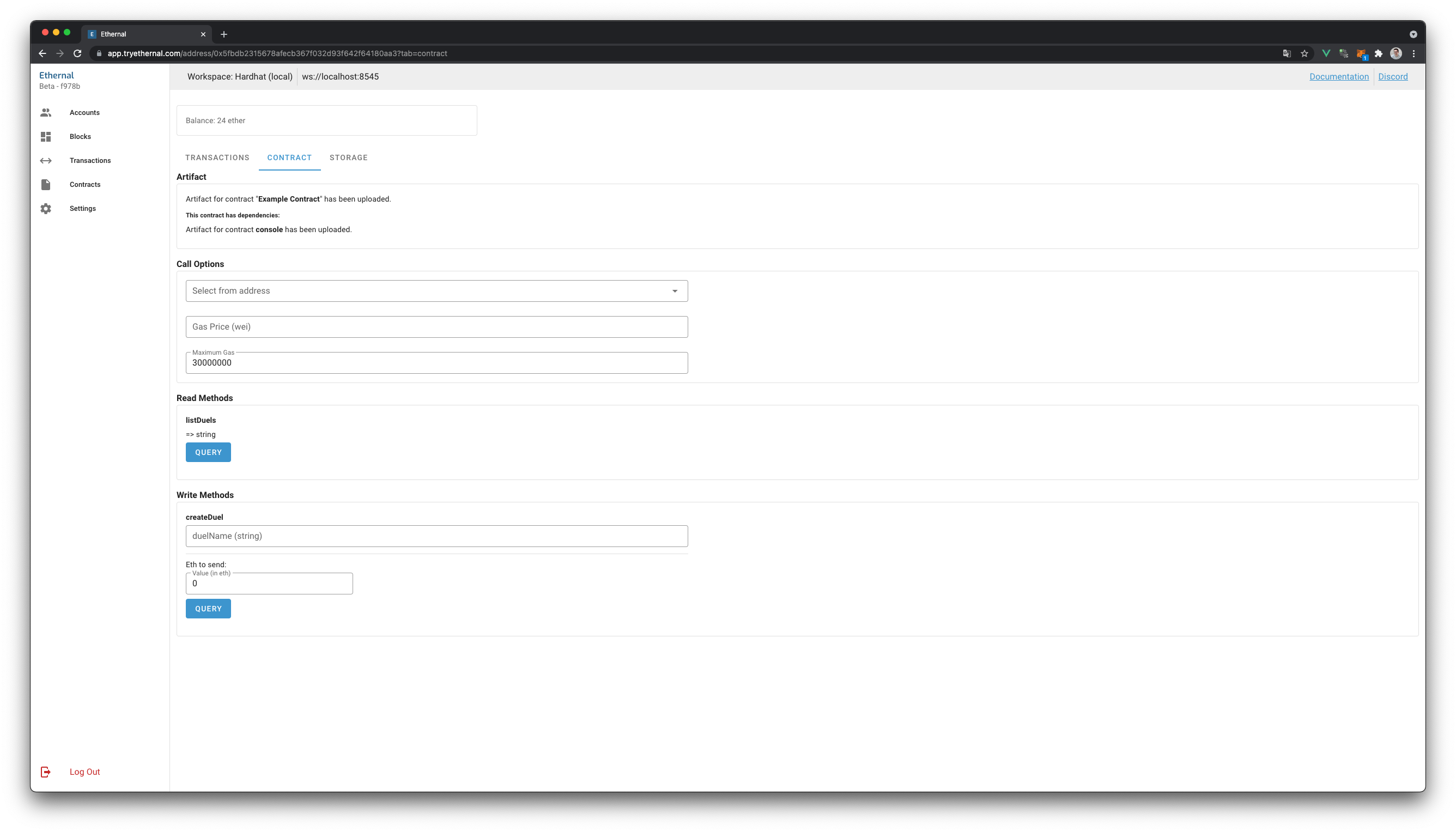
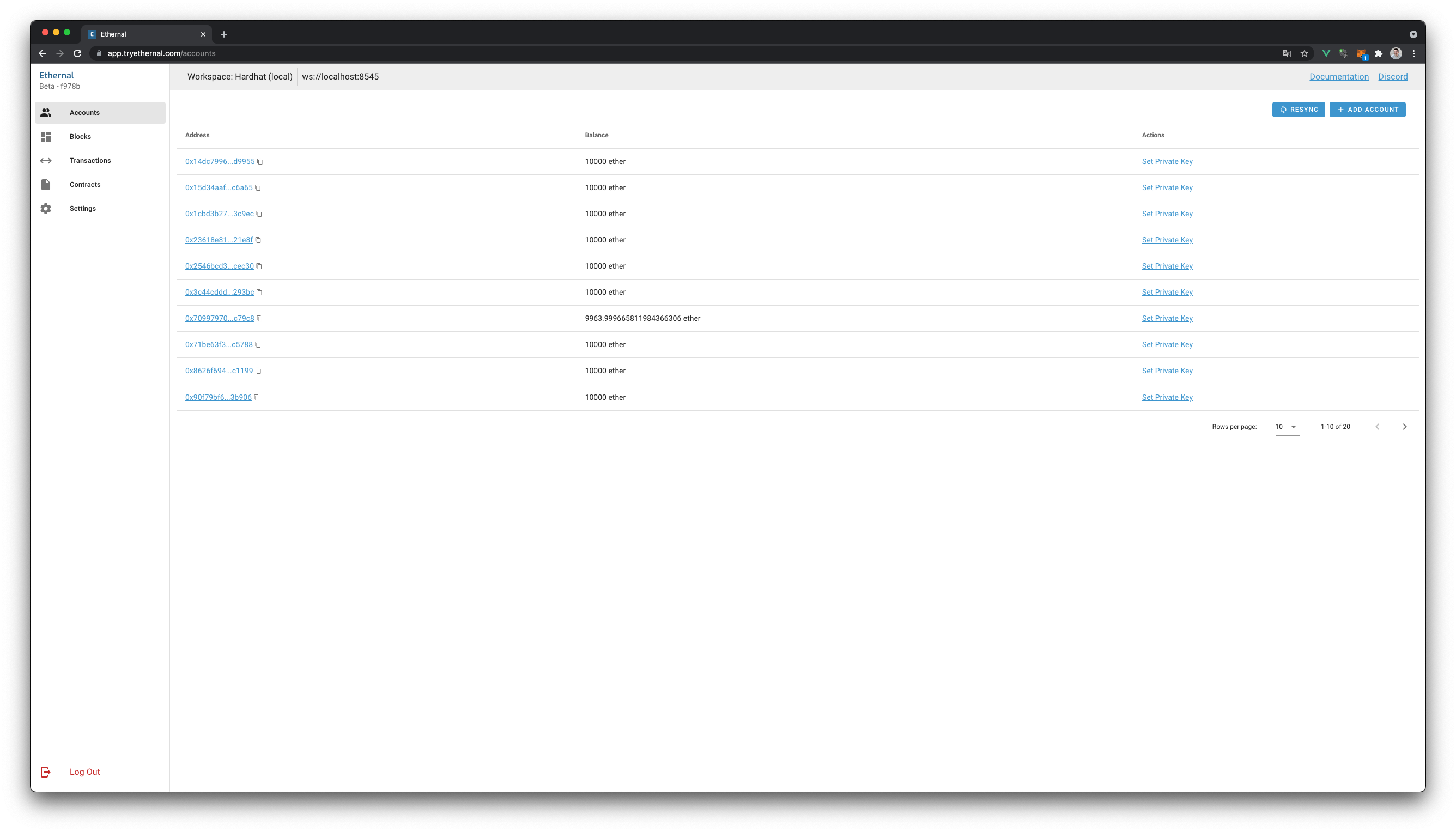
Ethernal in action
Blockscout?
The GitHub repository of Blockscout says:
Blockchain Explorer for inspecting and analyzing EVM Chains. BlockScout provides a comprehensive, easy-to-use interface for users to view, confirm, and inspect transactions on EVM (Ethereum Virtual Machine) blockchains. This includes the POA Network, xDai Chain, Ethereum Classic and other Ethereum testnets, private networks and sidechains.
What I like most is that Blockscout is open source and runnable via Docker locally. To do so:
-
Clone the Blockscout repository
-
Change to the
dockerdirectory -
Execute the Makefile, which will build Blockscout on its first execution. (This took about 15 minutes on my machine)
COIN=ETH \ ETHEREUM_JSONRPC_VARIANT=geth \ ETHEREUM_JSONRPC_HTTP_URL=http://host.docker.internal:8545 \ ETHEREUM_JSONRPC_WS_URL=ws://host.docker.internal:8545 \ make start -
Visit http://localhost:4000
The webpage will show you the blocks, transactions and accounts. Give the system some time to sync them. The hardhat node console log will print errors as Blockscout calls RPC methods that aren’t supported.
# Errors with client 'parity' and 'besu'
trace_replayBlockTransactions - Method not supported
parity_pendingTransactions - Method not supported

# Errors with client 'geth'
txpool_content - Method not supported
I assume that this could be fixed by changing the ETHEREUM_JSONRPC_VARIANT, but all of the currently supported clients result in some errors and data missing from Blockscout.
Very unfortunate. Blockscout looks very close to Etherscan, which is what I would like to use most. As far as I can tell the [txpool_content](https://geth.ethereum.org/docs/rpc/ns-txpool) only prevents Blockscout from showing the pending transactions, which isn’t too bad.
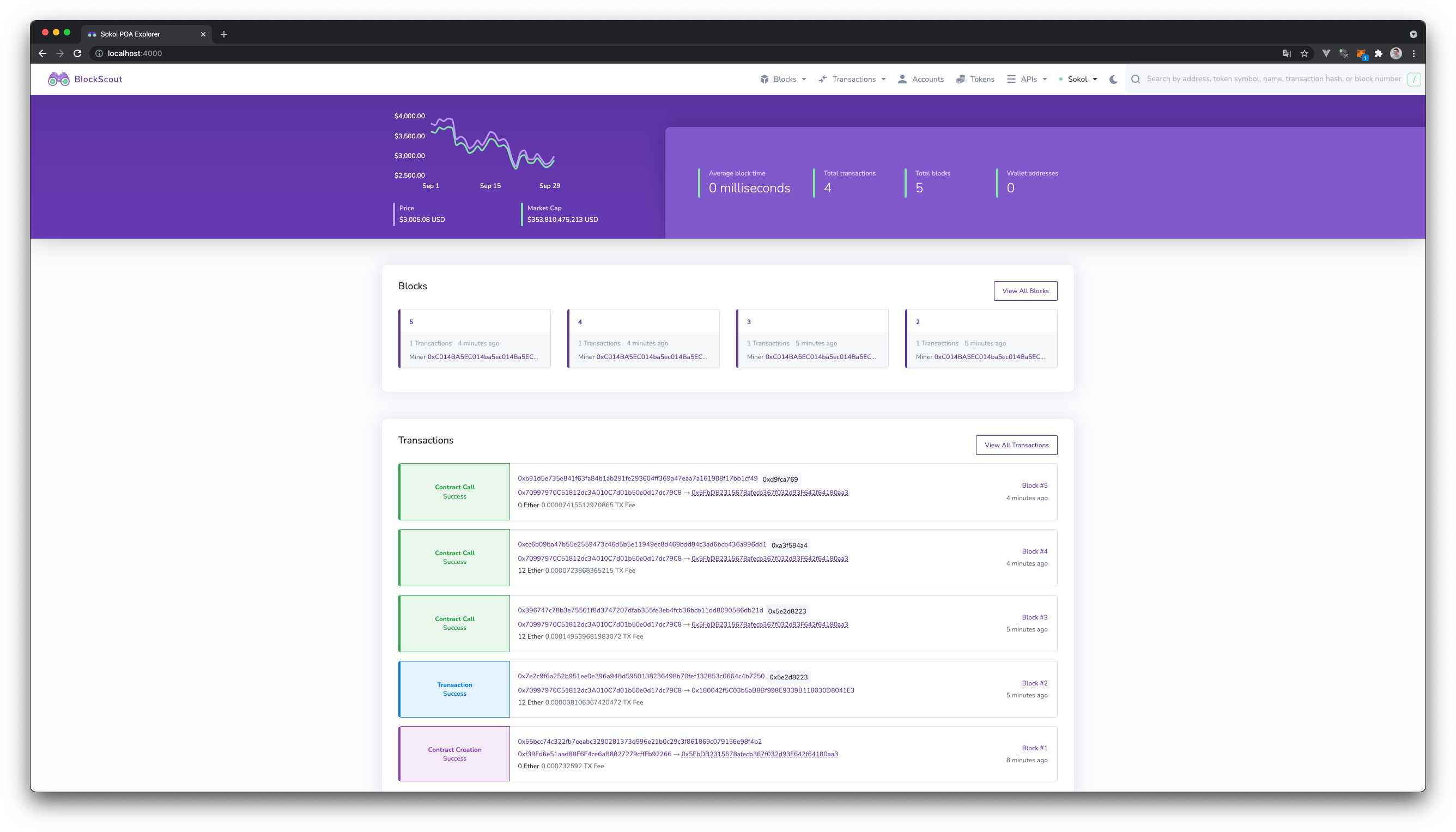
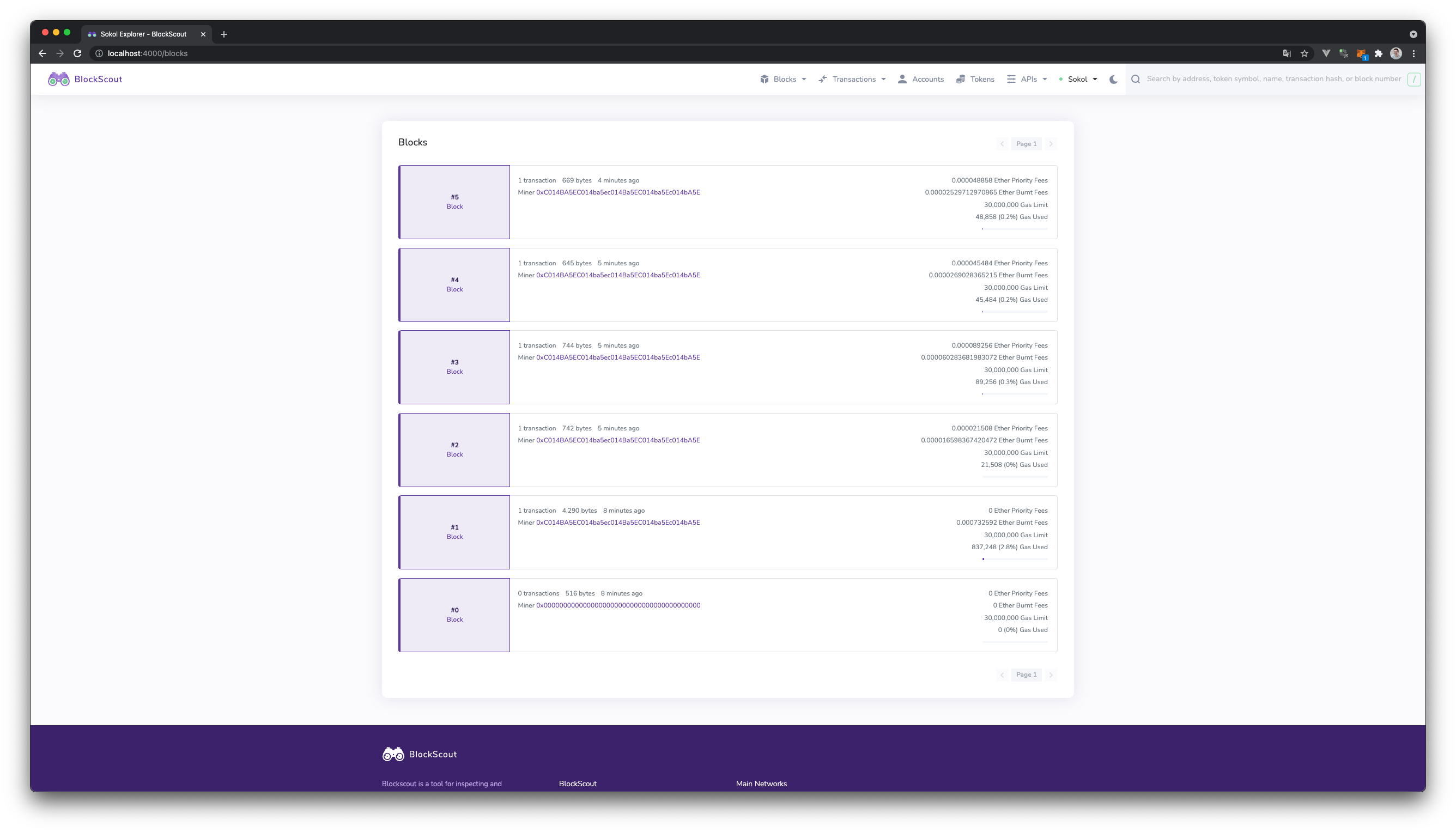
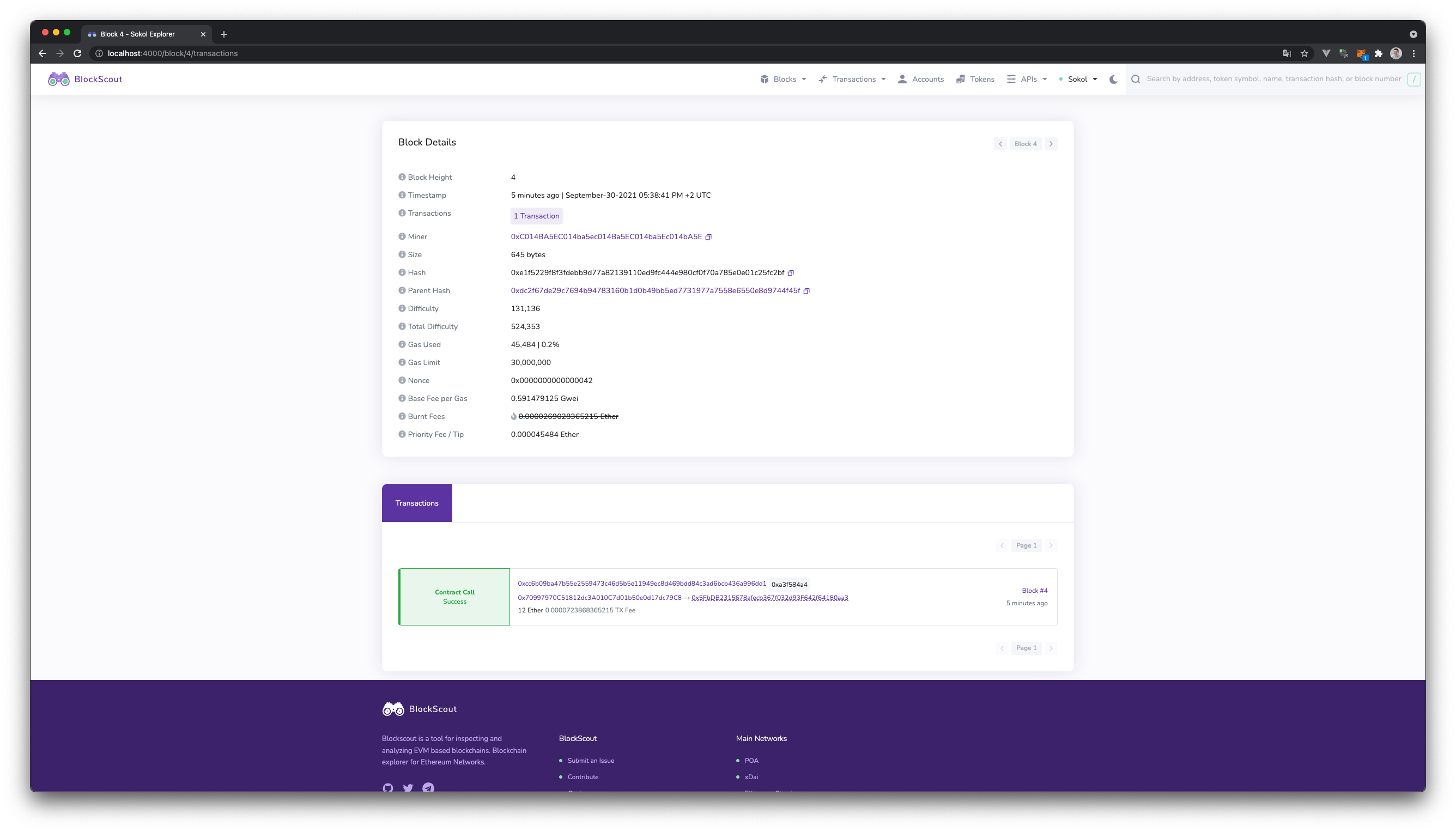
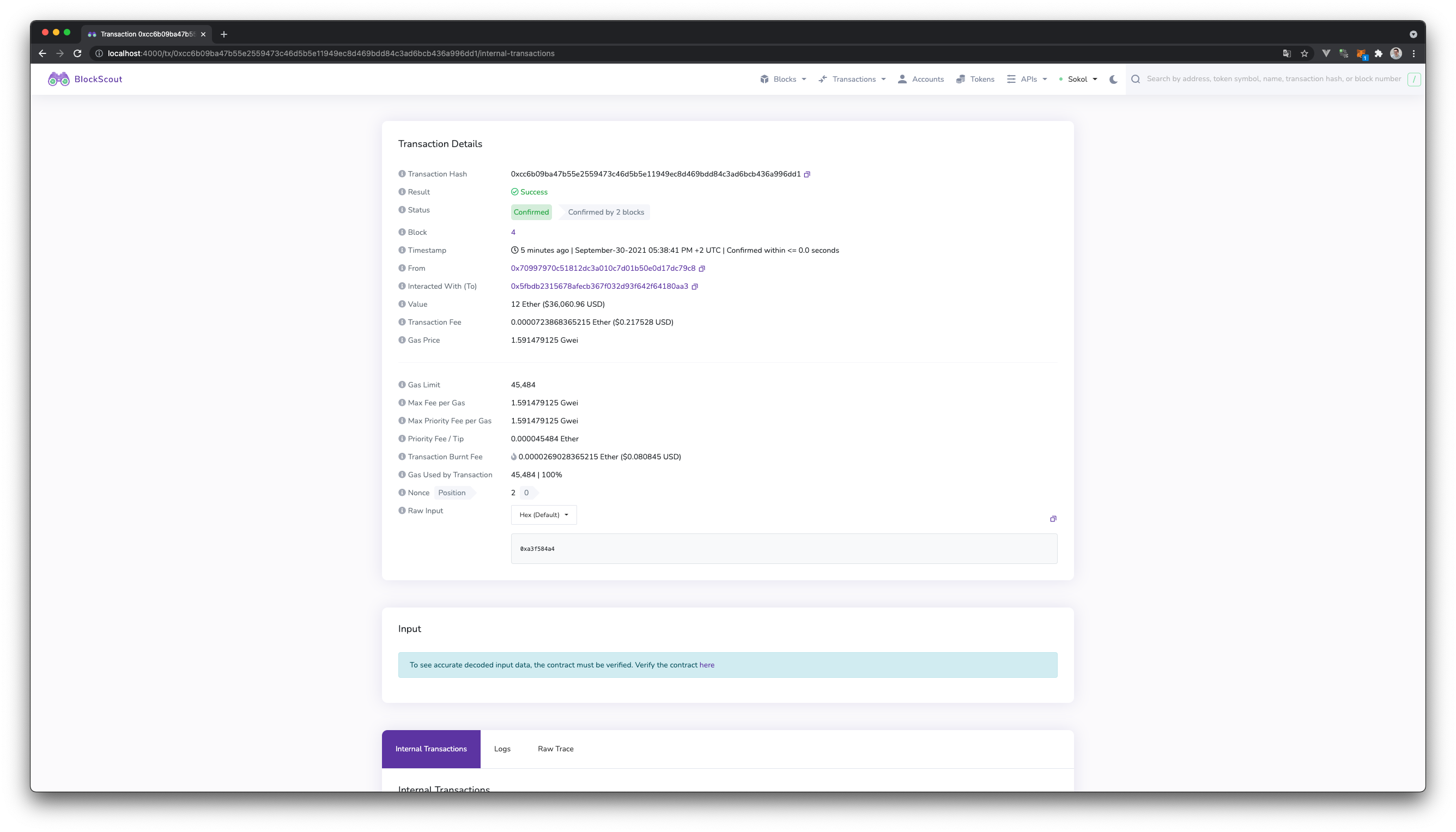
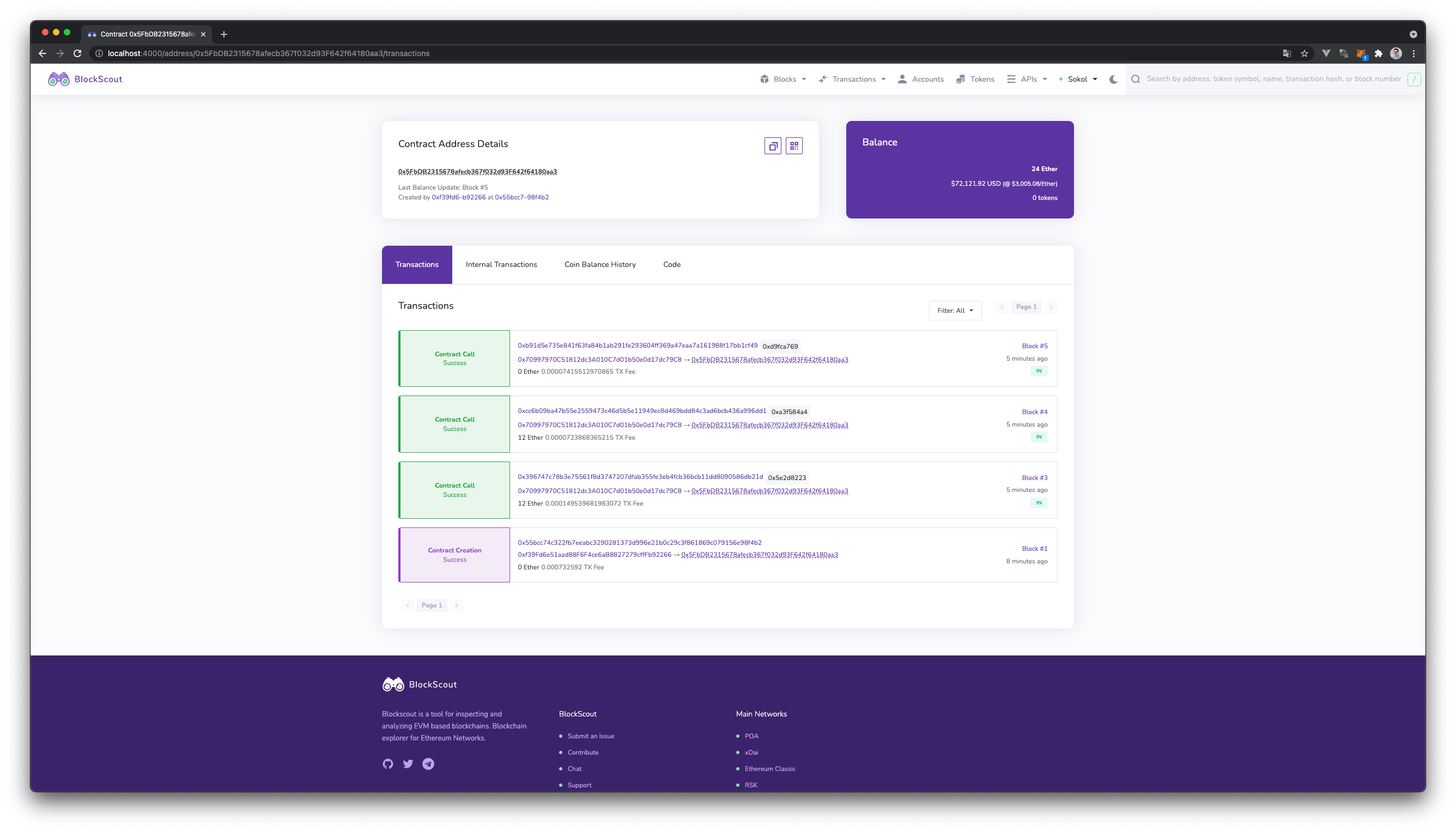
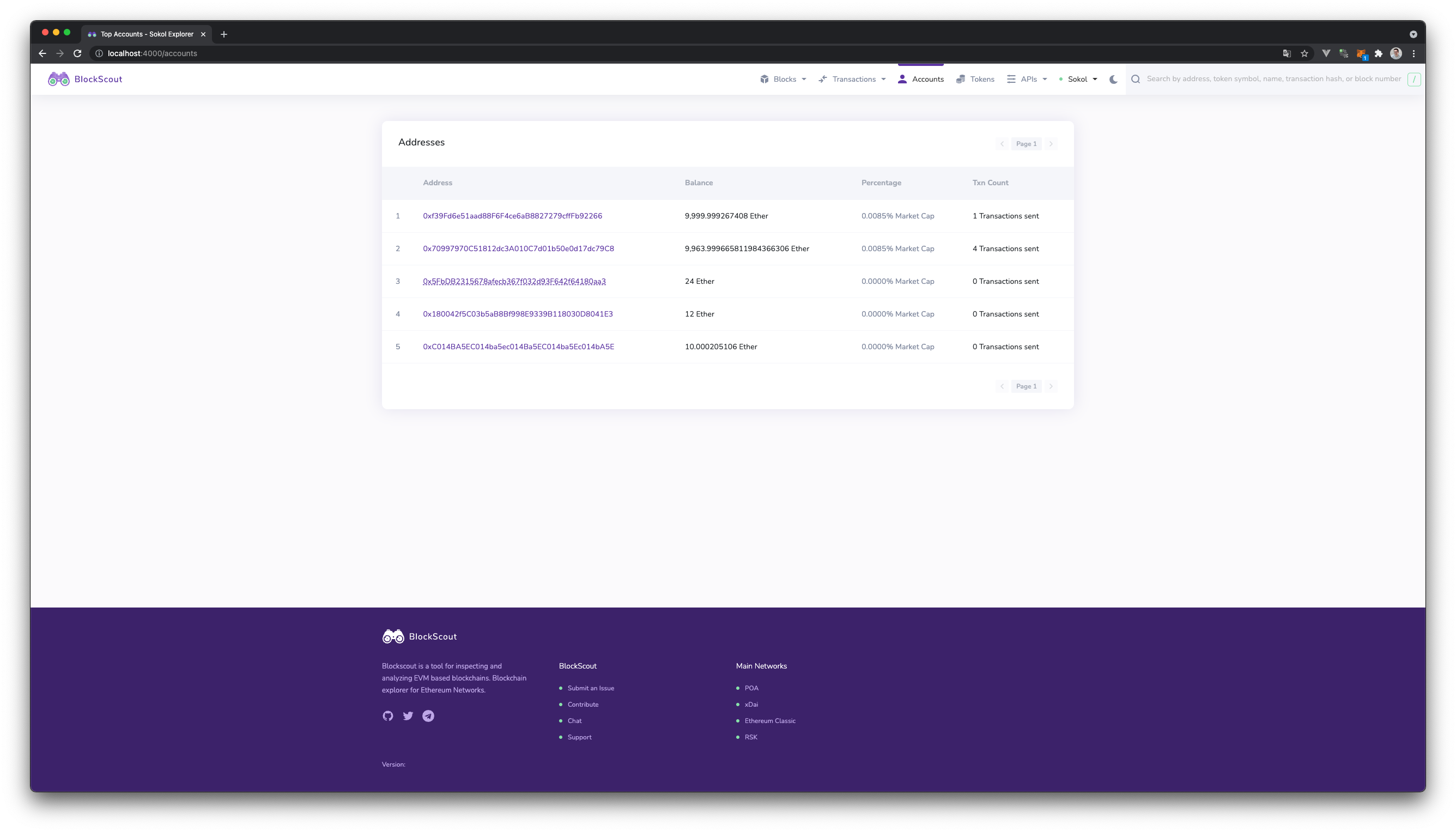
Blockscout in action
Ganache?
Maybe Ganache of the Truffle Suite might help us out? Again taken from the project website:
Quickly fire up a personal Ethereum blockchain which you can use to run tests, execute commands, and inspect state while controlling how the chain operates.
Starting our own personal Ethereum blockchain is what we already did through hardhat node. If we use Ganache, it will replace the Hardhat based node. How would that look like?
-
Start the Ganache UI and create a Workspace. This has already started the local chain.
-
Add a new network in your
hardhat.config.jsmodule.exports = { ... networks: { ... ganacheui: { url: "http://127.0.0.1:7545", chainId: 1337, } } }; -
Deploy via
npx hardhat run scripts/deploy.js --network ganacheui
The block explorer is usable and very responsive. Blocks and transaction are visible. Unfortunately, contracts deployed via Hardhat are not inspectable. You would have to link a Truffle project for that.
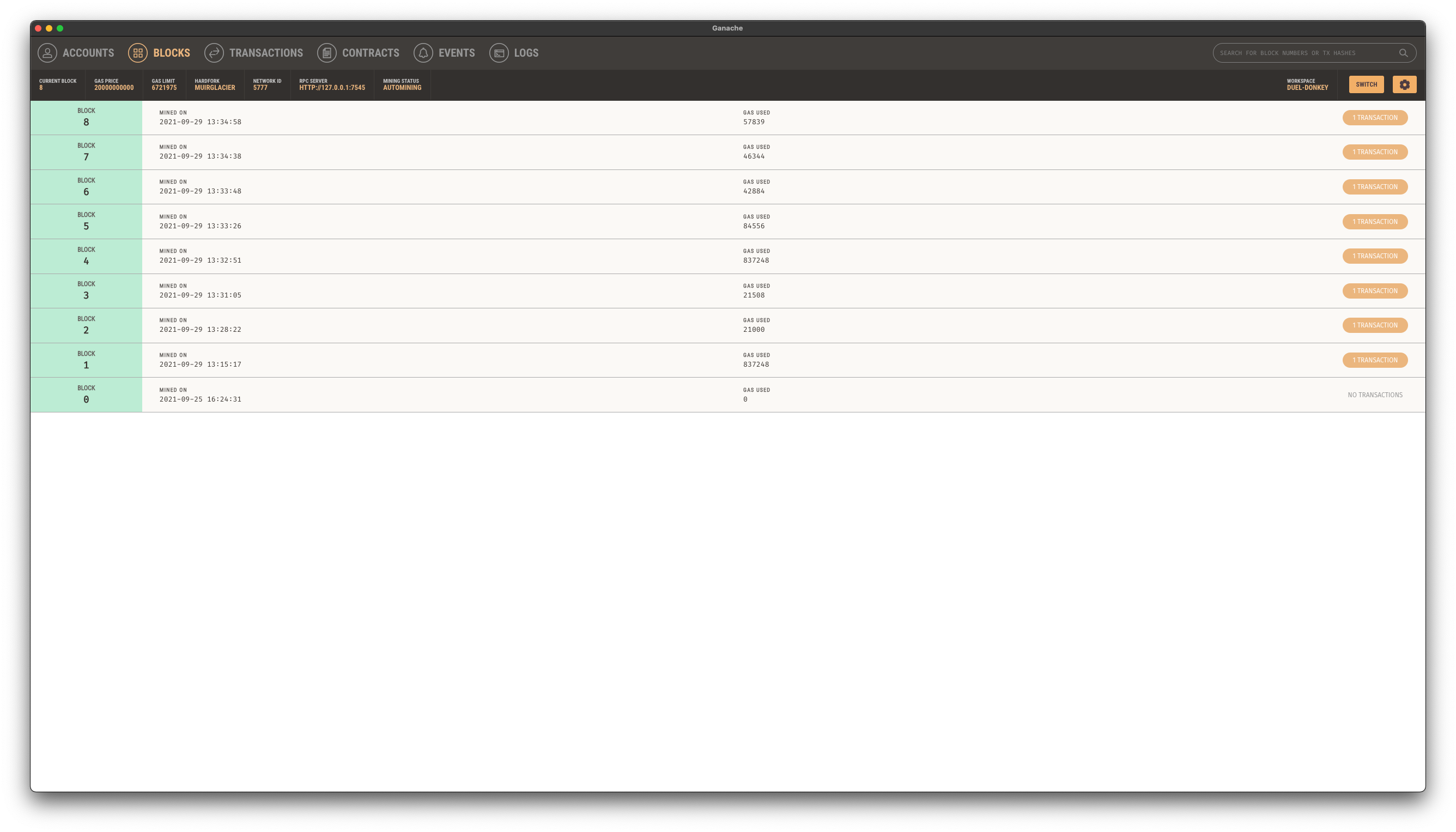
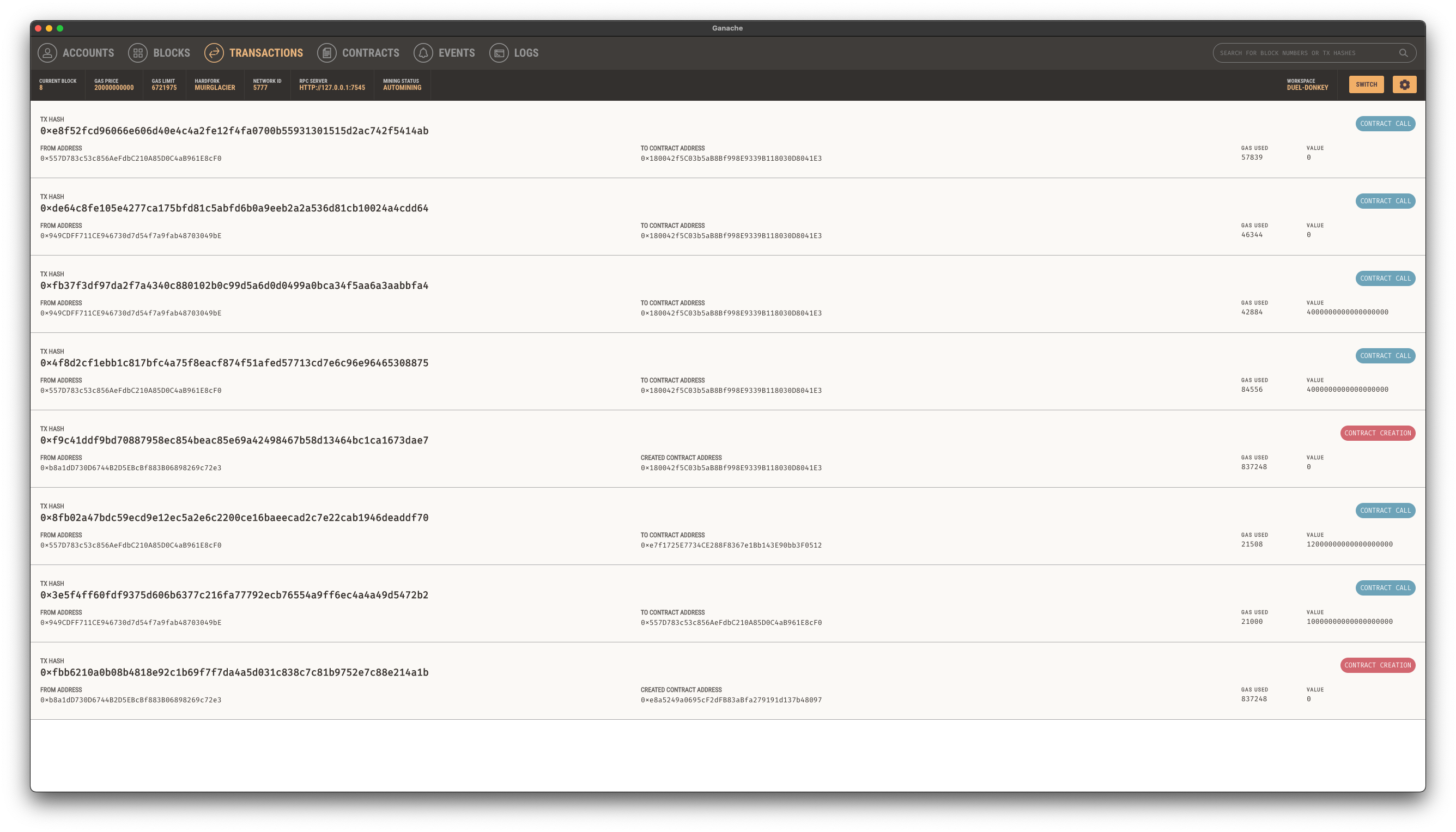
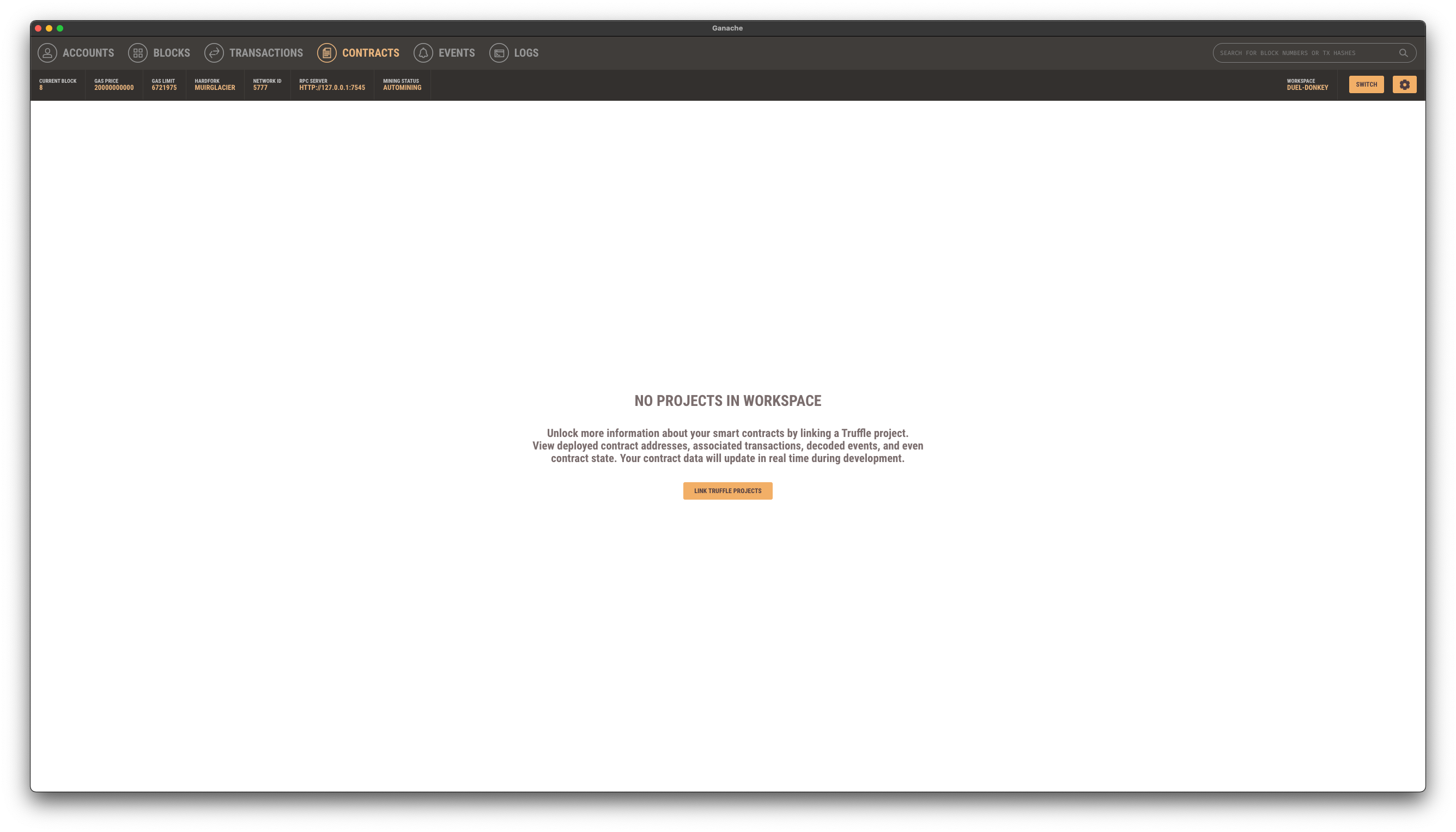
Ganache in action
Ganache CLI & Blockscout?
One last attempt: combining the ganache-cli with Blockscout. You already know the contenders. To use them, you have to
-
Start the local chain via
ganache-cli -
Configure a network in the
hardhat.config.jsand deploy to this network just like we did using the Ganache UI. -
Start Blockscout via Docker using the
ganacheRPC variantCOIN=ETH \ ETHEREUM_JSONRPC_VARIANT=ganache \ ETHEREUM_JSONRPC_HTTP_URL=http://host.docker.internal:8545 \ ETHEREUM_JSONRPC_WS_URL=ws://host.docker.internal:8545 \ make start -
Visit http://localhost:4000
This experience is better than using Blockscout with the Hardhat chain as there is a JSON RPC variant for Ganache. No errors in the log! All information is available in Blockscout and looks very similar to Etherscan. But (there is always a but), this uses far more tools than I personally like and we are not using the hardhat node anymore.
Which one to use?
It depends. I have no favourite myself. Here is what I think at the moment:
- Use Ethernal for the quick and easy way to get a block explorer for a Hardhat node up and running.
- Use Blockscout to have a block explorer that feels close to Etherscan, but is missing the pending transactions.
- Use Ganache UI to have a local and kind of quick way to explore your basic transactions. This is fairly limited though.
- Use ganache-cli in combination with Blockscout to have the best local experience. While having the option to use the same tech stack to host a shared chain and block explorer.
What do you think how about this list? How might it change in the future?
